Transform letters
 | Use Reshape > Reshape Object to transform individual letters on screen. |
|---|
You can transform individual letters by manipulating control points on screen with the Reshape Object tool.
To transform letters...
- Select the lettering object and click Reshape Object.
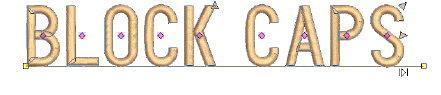
- Click the diamond control point. Another set of reshape nodes appear around the letter.
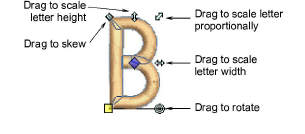
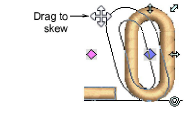
- Click-and-drag a reshape node around the letter to transform it.
- Press Esc to finish.